
Start with Pear
Join the iPhone beta
Open Pear on TestFlight for installation steps, device requirements, and current beta access.
Set up your account
Sign in, complete onboarding, and review the steps for your first trade.
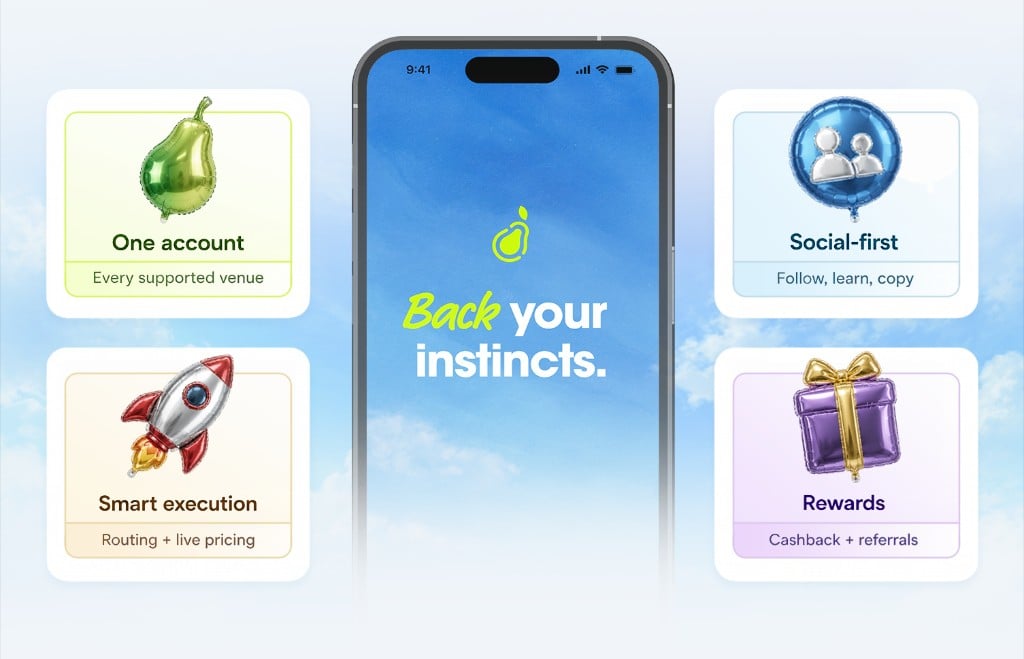
Discover markets and review trades
How Pear works
Explore Pear’s approach to social discovery, supported venues, and trading from one app.
Markets and venues
Understand market outcomes, resolution rules, venue differences, and availability.
Place and review a trade
Read the cost rundown, check your order details, and follow an order’s status.
Portfolio and positions
Find your positions, trade history, and portfolio insights.
Follow traders and manage your account
Social trading
Explore profiles, follow traders, and use shared activity to discover ideas.
Wallets and funding
Learn how to review supported funding methods, balances, and withdrawals.
Notifications and alerts
Manage updates about market activity, your trades, and the people you follow.
Privacy and security
Understand account visibility and the security guidance for your Pear account.
Rewards and referrals
Cashback
Learn where to check eligible activity, reward balances, and claim details.
Referrals
Find your referral code and review the current program information.