
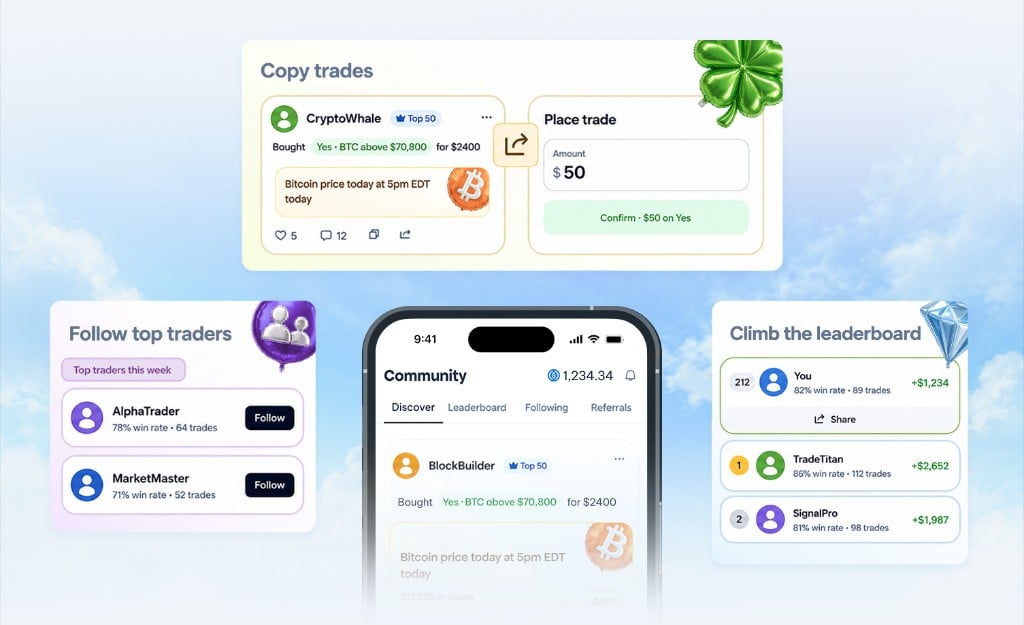
The activity feed
The home tab streams trades from people you follow in real time:- Open. A trader you follow just opened a position.
- Close. They closed it for a realized gain or loss.
- Comment. Discussion threads under each trade.
Following traders
1
Find traders
Open the Community tab. The leaderboard ranks traders by win rate, total P&L, or volume. Switch between tabs to filter.
2
Tap to follow
On any trader profile, tap Follow. Their activity starts showing up in your feed immediately.
3
Get notified
Optionally turn on push notifications for a trader so you’re alerted whenever they place a new trade.
Copy trades
The Copytrade action mirrors a trader’s position into your account. You pick the size, Pear picks the route, same smart-routing logic as a regular trade.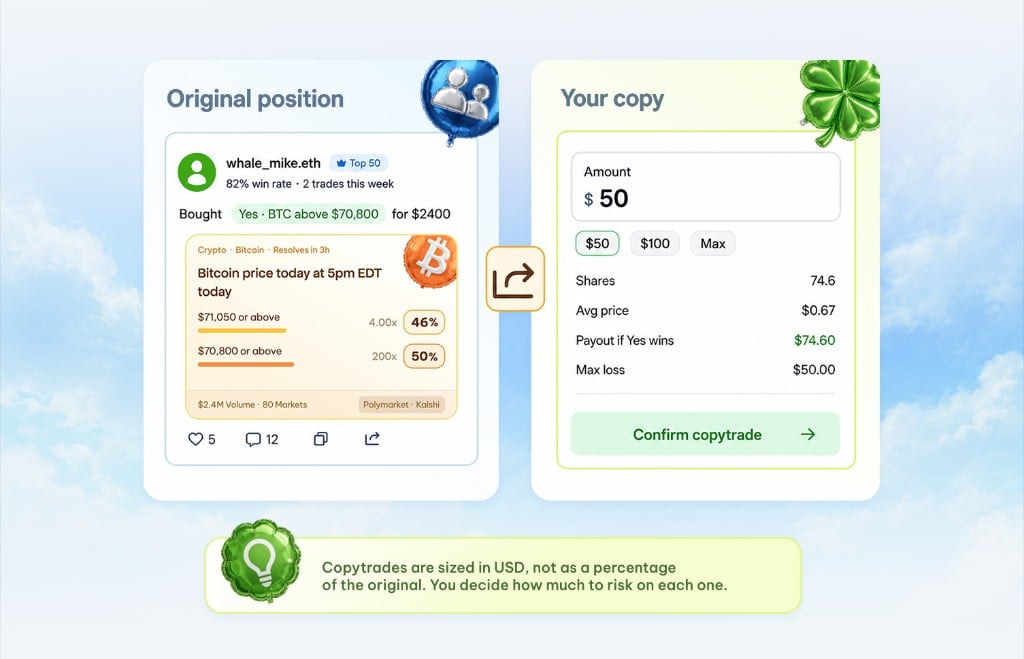
The leaderboard
Three views, three ways to find people worth following:Top by P&L
Highest realized profit over the lookback window.
Top by win rate
Highest hit rate (with a minimum trade count to filter noise).
Most active
Highest trade volume, useful for finding active strategies.
Posts and comments
Every trade is a post. People can like, comment, and reply. Comments support threads, and replies notify the original poster. You can also post standalone takes (text-only thoughts, no trade attached) to share thesis or call out a market.Moderation
If someone is harassing you or you don’t want to see their content:- Block. They can’t see your profile, follow you, or comment on your trades.
- Mute. They don’t disappear from search, but you stop seeing their content.
- Report. Flag content for the moderation team to review.
Privacy
By default, your trades are public. You can flip your account to private in Profile → Settings → Privacy. Only people you approve can follow you, and your trades stop appearing in public feeds and leaderboards.Pear-side data like your cashback balance, referral earnings, and account contact info is never shown publicly. On-chain wallet activity (deposits, withdrawals, balances on Polygon and Solana) is observable to anyone who has your wallet address, since that’s how public blockchains work. See Privacy & security for the full breakdown.
Keep reading: Portfolio · Referrals · Trading