
How it works
1
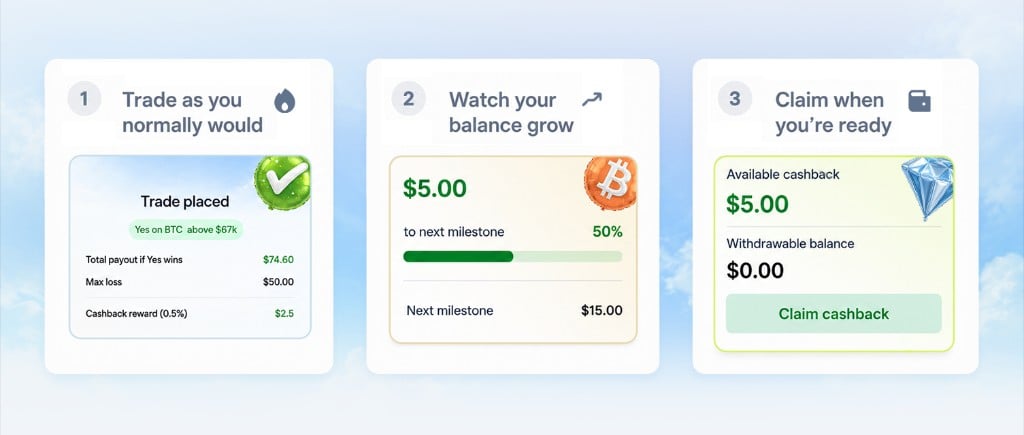
Trade as you normally would
Place a trade and review any reward information shown with the order. For eligible trades, Pear credits cashback based on the qualifying fee.
2
Watch your balance grow
Open your Profile → Cashback card to see the reward balance, activity, and progression information available for your account.
3
Check claim availability
When a claim is available, review the amount, destination, and any costs shown before confirming. Follow the claim status in the app to see when it completes.
The cashback card
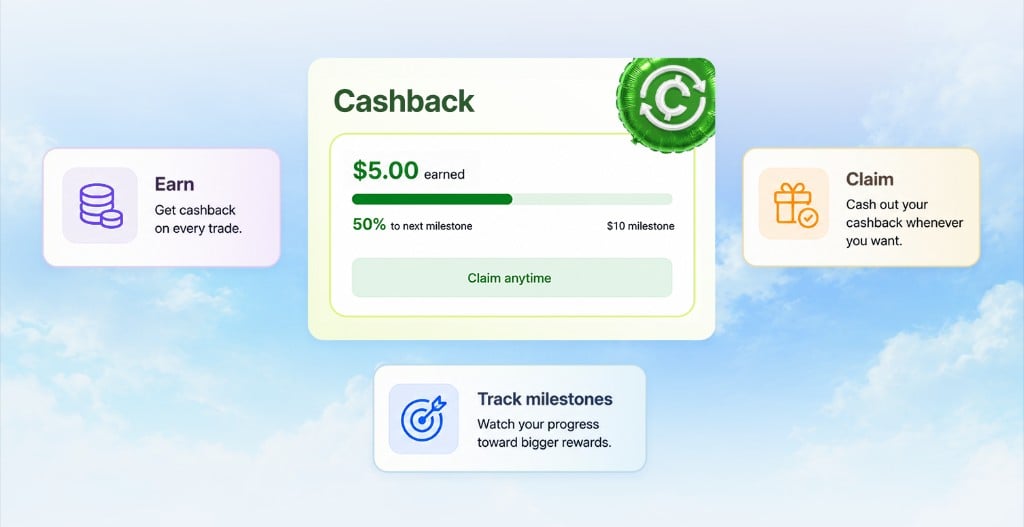
The cashback card brings your reward activity together:- Reward balance. Credits recorded for your account and their current availability.
- Reward activity. The credits and claims that make up your balance.
- Progression. The current milestones and progress shown for your account.
Reward credits and completed payouts are separate. Use the reward history and claim status in the app to see how a balance has changed.
Reading your reward balance
FAQ
What percentage of fees do I get back?
What percentage of fees do I get back?
Check the reward details shown in the app for the current rate and qualifying fees. A status tier or milestone does not by itself establish a different cashback rate.
Does cashback expire?
Does cashback expire?
Check the current program terms for any conditions that apply to your reward credits. Contact [email protected] if you need help understanding a balance or adjustment.
Can I claim partial amounts?
Can I claim partial amounts?
The claim screen shows the amount and options currently available to your account. Review that amount before confirming.
Where does the money come from?
Where does the money come from?
Cashback is based on a portion of the qualifying trade fee. The account’s reward details show recorded credits and the available payout options.